公開資料をもとにした解説 · 2015-10
9軸センサとクォータニオン:姿勢表示で確認すること
9軸センサの値を姿勢表示へつなぐ流れを、2015年の資料から解説。Madgwick AHRS、成分順、座標軸、共役と逆回転の混乱を整理します。
実装・解析の成果と、過去の開発記録をテーマから探せます。
年代ではなく、センサ・組込み・ソフトウェア・データ解析・教育技術などのテーマから探せます。日付は各記事の情報として残しています。
7件の解説と142件の開発記録を、日本語や技術名で検索できます。開発記録には日本語の要約を付けています。手順や使用環境は記録当時のものです。
該当する記録がありません。キーワードや分類を変えてください。
9軸センサの値を姿勢表示へつなぐ流れを、2015年の資料から解説。Madgwick AHRS、成分順、座標軸、共役と逆回転の混乱を整理します。
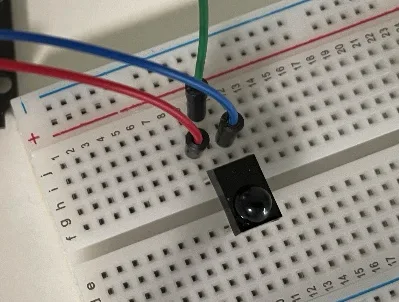
GP1UXC41QSとSPS-440-1の動作を確認しました。配線とプログラムの参考資料を紹介しています。
IR Receiver
I confirmed operation of GP1UXC41QS and SPS-440-1. Reference of Wire and Reference of Code
ATtiny10と回転位置センサを使い、ジョグダイヤルを試作しました。動作確認の記録を掲載しています。
Making jog dial device
I made jog dial device using Attiny10 and rotary position sensor. test log 1, test log 2, test log 3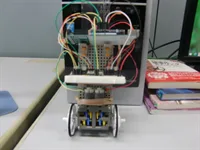
Arduinoとジャイロセンサを使い、Simulinkで制御処理を作成しました。Arduinoへ書き込んだプログラムの動作動画を掲載しています。
Inverted Pendulum
I used arduino and gyroscope. I wrote a figuare control with simulink. version of embeded prgram in Arduino (Youtube)
GPSデータをリアルタイムに受信するプログラムを実装し、サンプルデータと参考資料を掲載しています。
Xtionで距離を取得する実験を行い、夕方と夜の動作動画を掲載しています。
Precision evaluation of depth Sensor
I experimented getting distance with Xtion. night movie evening movie
自転車で移動しながら取得したGPSとCO2のデータを、Googleマップ上に表示するプログラムを実装しました。
Sensing Network
I implemented program that mapped gps and co2 data on google map while cycling.2台のUSBカメラとOpenCVSharpによる2013年の制作記録をもとに、校正・平行化・視差から距離への変換を整理。単位と視差スケールの誤りを解説します。
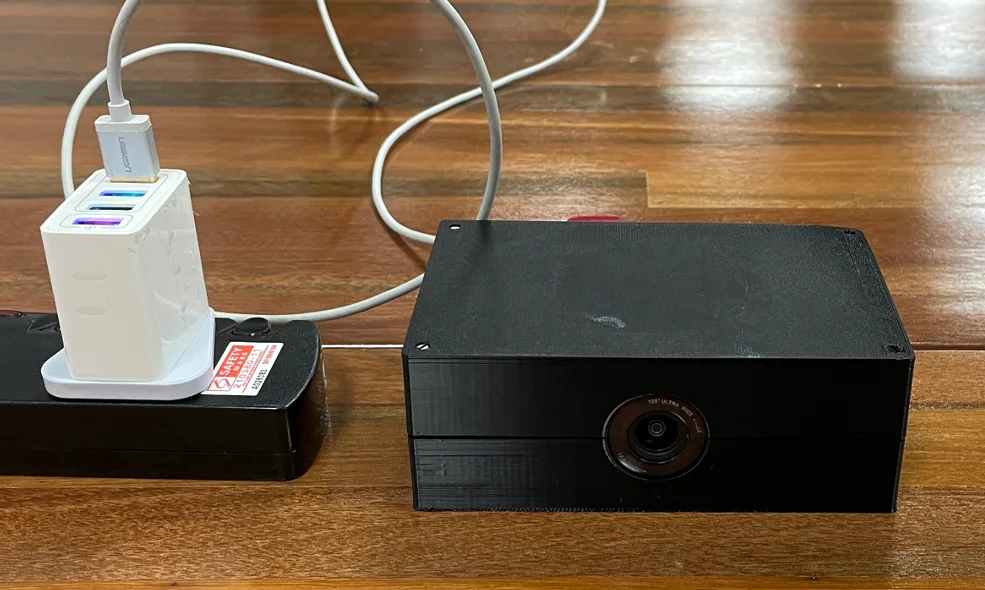
Raspberry Pi ZeroとUSBカメラを使った定点撮影システムを制作し、その手順をまとめました。
Interval Photograph System
I made the system using Raspberry zero and USB camera. process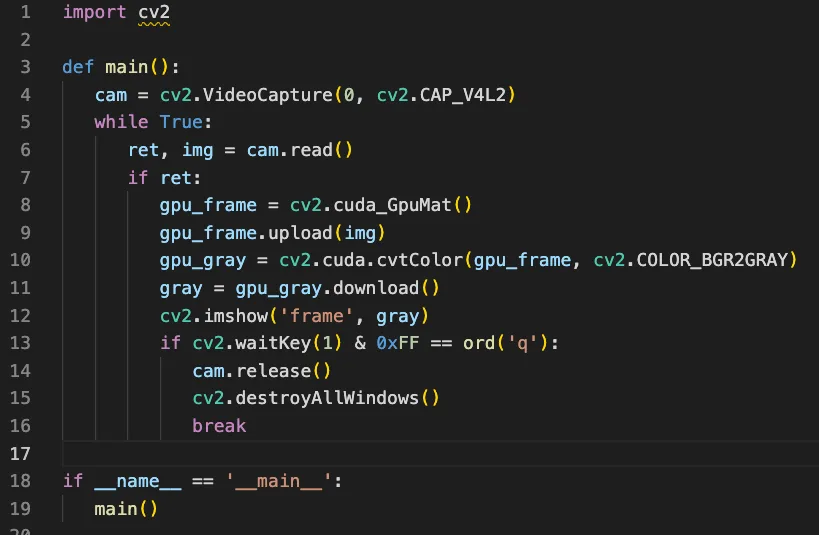
Jetson NanoでCUDAとOpenCVを組み合わせるため、OpenCVをビルドし直す手順をまとめました。
How to bind Cuda and OpenCV on Jetson Nano
You need to rebuild OpenCV, but you can setup easily. Detail document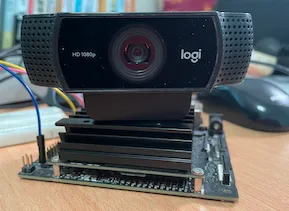
画面を持つアプリを自動起動するための、画面管理やX Window Systemの設定をまとめました。
How to autorun graphic application on Jetson Nano
you need to set graphic manager or X window system for autorun. Detail document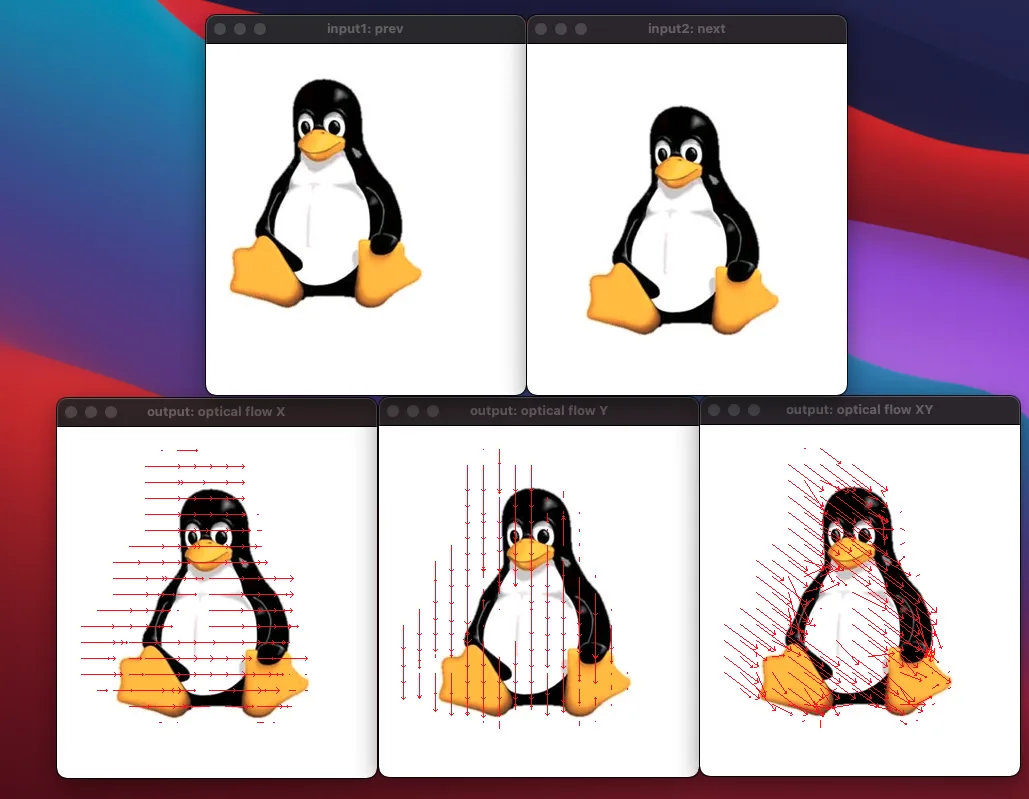
画像内の動きを表すオプティカルフローを計算し、結果を描画するプログラムを実装しました。
Optical Flow using OpenCV 4.5
I implemented program that draws optical flow result. Data Reference, Program Reference, Function Reference. Tip: OpenCV setup on M1 Chip Site Reference.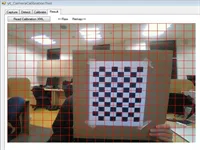
OpenCvSharpを使い、カメラの歪みを補正するためのツールを作成しました。
Camera Calibration Tool
This tool can be fix distortion of the camera using OpencvSharp. Source Code
OpenCVの環境設定とサンプルを、講義資料にまとめました。
Lecture Material 3 in Kanemoto Lab
I wrote setting opencv and sample. Slide (Japanese)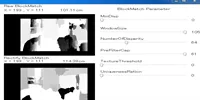
ブロックマッチングと距離計算を実装しました。動作動画と制作手順のスライドを掲載しています。
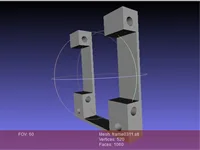
Autodeskのツールを使い、ステレオカメラを固定するフレームのモデルを調整しました。
3D modeling of stereo camera frame
I fix frame with AutoDesk.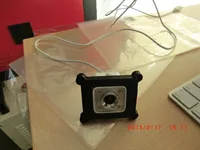
USBカメラを固定するフレームを設計し、3Dプリンタで出力しました。
Stereo Camera Frame Prototype
I made USB camera frame prototype and print with 3d printer.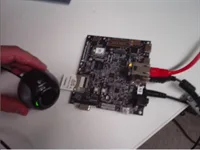
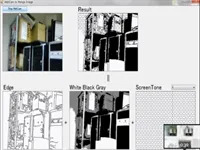
OpenCvSharpを使い、Webカメラの映像を漫画風に加工しました。
Web Camera to Manga Image
I used OpenCVSharp. movie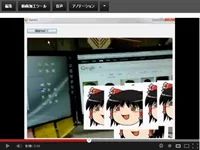
カメラの位置推定を題材に、講義資料と課題を作成しました。
Lecture Material 6 in Kanemoto Lab 2012
I introduced location estimation of camera. subject slide(japanese)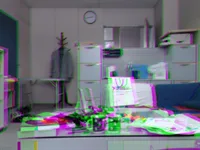
ステレオ画像から視差を求める処理を実装した、途中段階の記録です。
Progress of stereo camera
I could parallax from frame.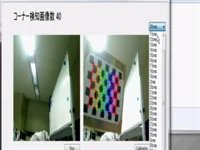
コーナーを検出し、カメラを校正するプログラムを実装しました。
Camera calibration
I implemented program that detecting corrner and calibration. movie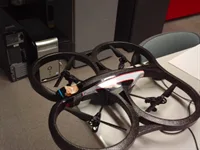
AR.Droneに無線カメラAI-Ballを組み合わせ、画像を取得する方法を試しました。
AR.Drone2.0 + AI-Ball
I implemented program that wireless camera capture image on ar.drone. movie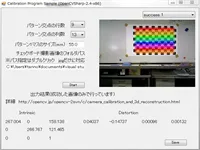
チェスボードを使ってカメラを校正する、画面付きのプログラムを実装しました。
GUI Camera Calibration Program
I implemented calibration program from checkerboard. movie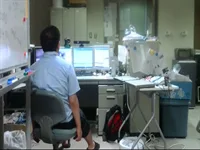
EVI-D100を使い、顔の動きに合わせてカメラの向きを変えるプログラムを実装しました。
synchronization of face and camera moving
I implemented tilt pan program with evi-d100. movie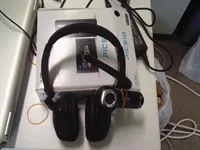
MindTuneから脳波データを取得し、USBカメラから映像も取得した開発メモです。
MindTune
I get brain data with windowAPICodePack. And I get view of eye with usb camera.Arduino Duemilanoveを使ったATtiny202書き込みの制作記録を解説。jtag2updiとmegaTinyCoreの役割、チップ選択の不一致、論理ピン番号を整理します。
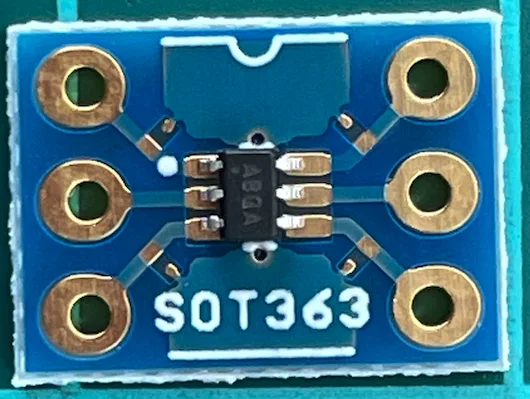
変換基板に実装したMCP4018T-103E/LTとArduino Duemilanoveの通信を確認しました。
Digital Potentiometer
I confirmed communication between Arduino Duemilanove and MCP4018T-103E/LT on SOT363-6 DIP board. Reference of Wire and Code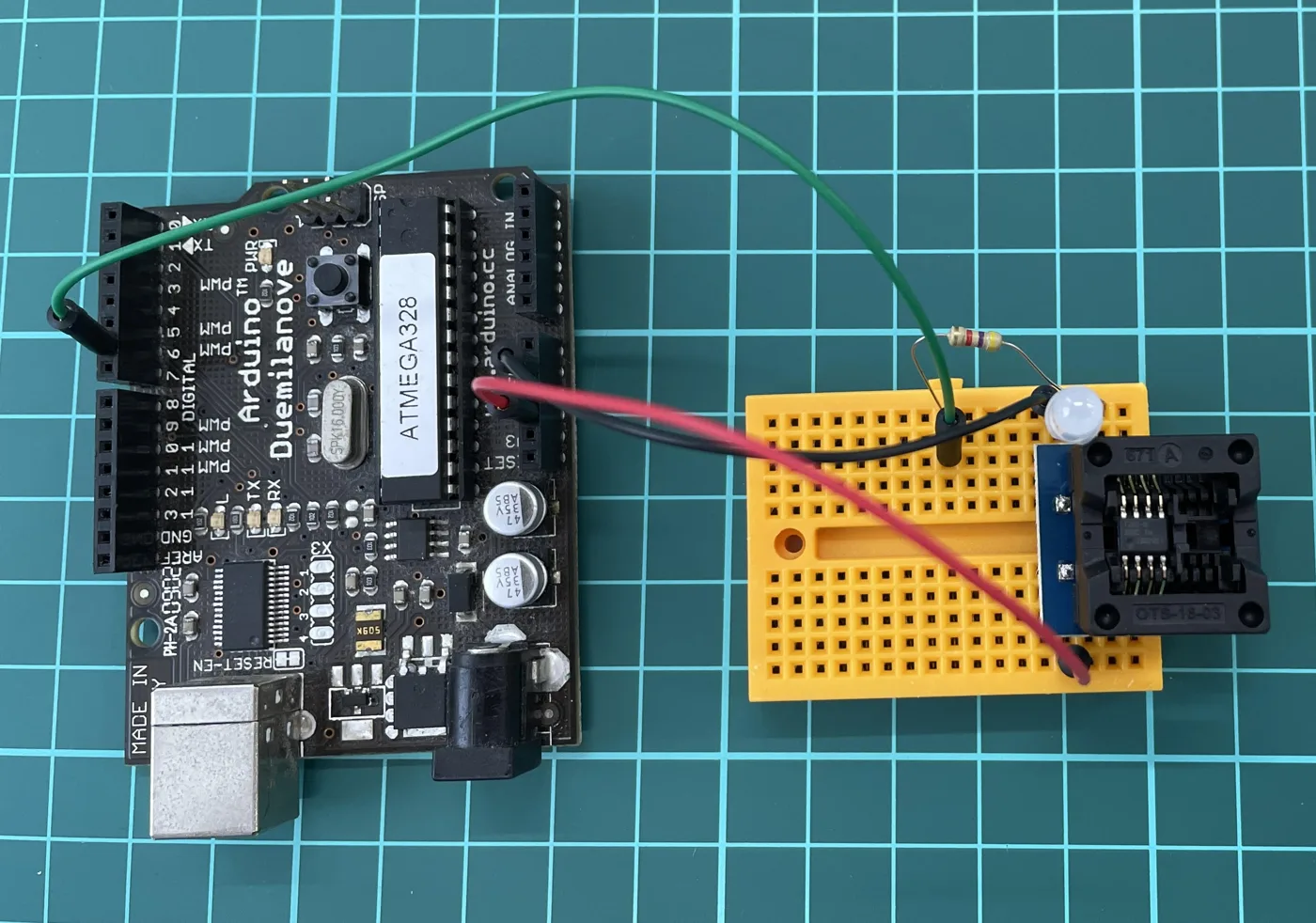
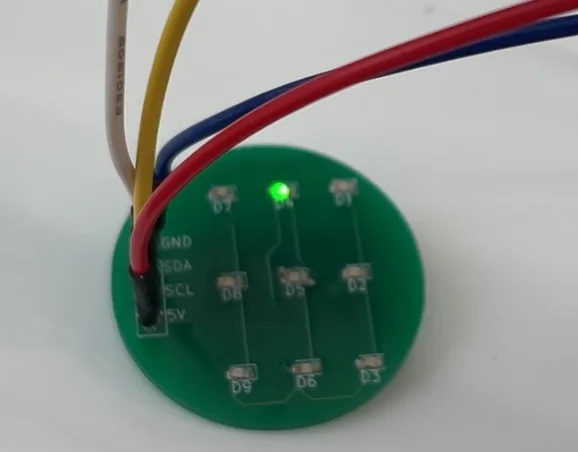
ArduinoでHT16K33を制御しました。プログラムと回路設計の資料を公開しています。
LED Driver Management
I controlled the LED Driver 16x8(HT16K33) using Arduino. code or cicuit design
仕事に取り組む際の行動や睡眠について、当時考えたことを資料にまとめています。
How to make an effort for good job
We must review our behavior for good job. Most important action is to sleep until natural awaking. Detail document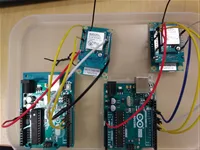
IM920cを使った無線通信を検討しました。Arduinoとの配線と、制御コマンドの参考資料を紹介しています。
Evaluating LoRa network using IM920c
LoRa realizes low consumption and long-distance wireless communication. Reference of wiring Arduino and IM920c and Reference of command list
ATtiny10にプログラムを書き込み、手順を資料にまとめました。
How to write code in Attiny10
I wrote code in Attiny10. Information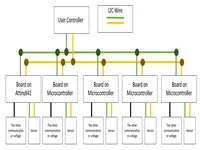
ATtiny841でソフトウェアI2CマスターとI2Cスレーブを使う方法をまとめ、ソースコードを公開しました。
How to setup two I2Cs on Attiny841
I wrote about softwareI2CMaster and slaveI2C on Attiny841. Infromation and Source Code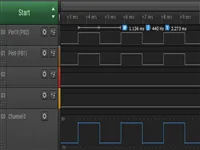
同じタイマーに対応するPWM出力ピンを使うための参考資料とサンプルコードを紹介しています。
How to output Arduino's PWM using same timer Arduino chip has three timer and each timer can cotrol two pwm pin. Reference 1 [Arduino Uno – PWM周波数を”自由に”変更する] Reference 2 [2pin_example.ino]
Arduino chip has three timer and each timer can cotrol two pwm pin. Reference 1 [Arduino Uno – PWM周波数を”自由に”変更する] Reference 2 [2pin_example.ino] Reference 1 [Arduino Uno – PWM周波数を”自由に”変更する] Reference 2 [2pin_example.ino]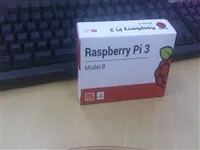
Raspberry PiでI2Cを有効にし、通信速度を設定するための当時の手順を記録しています。
I2C control over raspberry pi
I2C Enable#sudo rapi-config : 5->i2c->enable I2C Speed #sudo vi /boot/config.txt : i2c1_baudrate=100000(set this value yourself)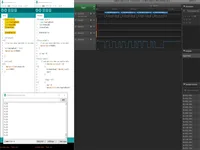
Arduinoで共用体を使い、float型の値を4バイトに分けてシリアル通信で送る方法を試しました。
Sending float data using 4 byte serial
Arduino can send float data serial divided 4-byte using "union".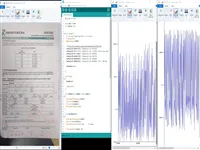
I2C接続のSX8725C基板を評価し、設定に応じた値の変化を確認しました。
16-bit A/D converter with variable gain amplifier function using I2C
I evaluated [SX8725C Board] I confirmed the increase of the value.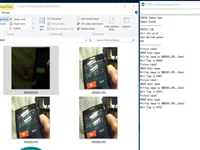
自動で写真を撮影し、SDカードに保存するシステムを制作しました。使用モジュールと配線の参考資料を掲載しています。
Shooting at regular intervals
I made a system to take pictures automatically and save them to SD card. [Module Reference] [Wire Reference]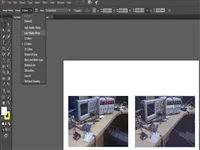
画像からパスを作り、イラスト化や細かな色の調整に使う方法を試しました。
Image Trace function in Illustrator
This function is useful if you want to change the image to illustration. And you are able to do detail coloring because expansion function outputs image path.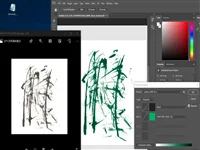
グレースケール画像の色合いを変えるダブルトーン機能を試しました。書の画像の色を変える用途にも触れています。
Duotone function in Photoshop
This function is useful if you want to change grayscale to another color. Especially effective when changing the color of calligraphy.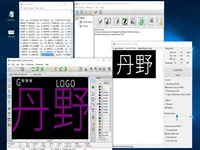
画像をフットプリントに変換し、基板上のロゴやパターンに利用する方法を記録しました。
Convert Image to Footprint using KiCad
"Bitmap to Component Converter" function is useful if you want to design logo or antenna on board. And you can change layer to F.Cu or B.Cu if you rewrite footprint data directly.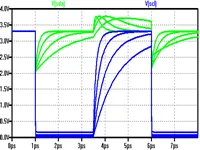
I2Cの波形を見ながらプルアップ抵抗を検討するためのメモと、参考資料を掲載しています。
I2C Tip: How to change pull-up resistor value
If I2C wave is curved, set lower pull-up. If I2C wave is not reaching 0v, set higher pull-up. [Image Reference] [Infromation Reference]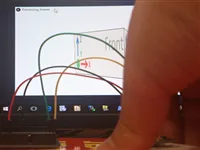
MPU9150のDMPを使ってセンサの動きと画面表示を連動させました。動作動画と参考資料を掲載しています。
Synchronization with viewer and MPU9150
I made it using DMP. This document is useful that DMP supports or not. Movie Reference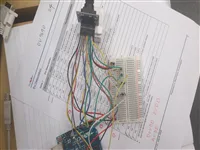
カメラモジュールOV7670からデータを取得しました。参考にしたサイトを紹介しています。
Run OV7670
I succeeded in acquiring OV7670 data. Reference site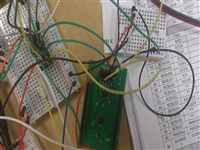
iCE40用の書き込み器を制作し、SPIフラッシュメモリからのデータ読み出しを確認しました。
Made ICE40 Writer
I made ICE40 Writer and confirmed that ICE40 read bitmap from SPI flash memory. Especially, these site are useful. RelatedWork Configuration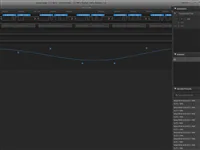
DE0でI2Cマスターを実装し、ロジックアナライザで確認しました。この記録では、実際のスレーブ機器との通信までは評価していません。
I2C Master using DE0(FPGA)
I made I2C master on FPGA. I evaluated only logic analyzer because I don't have I2C Slave Chip adapted 3.3V or I2C driver.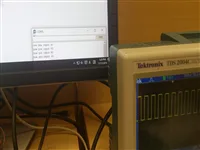
tone関数とシリアル入力の処理を使い、パルスを出力するプログラムを試作しました。
PWM Generator using Arduino
I made it using tone function and analyzing serial read data. Movie (Youtube)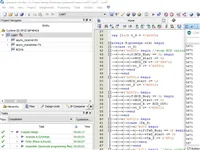
FPGAから数値をシリアル送信し、Arduinoの端末画面で表示を確認しました。
Decimal Number Send Using Serial and FPGA I was successful in implementation of sending decimal 16bit data using serial communication. Image show decimal value from FPGA on Arduino terminal.
I was successful in implementation of sending decimal 16bit data using serial communication. Image show decimal value from FPGA on Arduino terminal.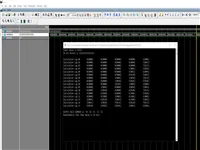
2進数をBCDへ変換する回路を実装しました。先にC#で値の変化を確認し、その後ModelSimで回路を検討しました。
BCD (Double dabble) Logic Circuit
I was successful in implementation of BCD logic circuit. First I made it using C# for comparison of data transition. After I made it using MODELSIM.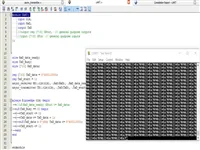
DE0とUSB・UART変換器を使い、FPGAでシリアル通信を実装しました。
Serial Communication Using FPGA
I was successful in implementation of serial communication on FPGA. I used DE0 board and USB to TTL UART - Serial Converter.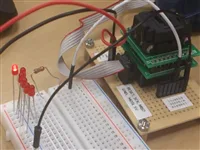
ATtiny841のPWM出力設定について、データシートの参照箇所と作業メモをまとめました。
How to set PWM in Attiny841
115p in 12.12.4 and 116p in Table12-7 on Attiny841 document is useful. only six pin allocate from TOCC0 to TOCC7. My Memo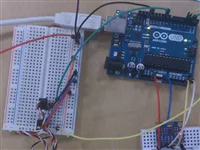
Arduino UnoとMPU6050などを使い、スタビライザーを試すための環境とプログラムを用意しました。
Stabilizer Environment
I made environment and code for stabilizer test using Arduino UNO and MPU6050 and GWSPIC/STD/F GWPIC/STD/F. Movie(Youtube)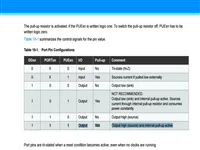
データシートを確認し、PUEAレジスタの設定でPORTAの複数端子のプルアップを有効にしました。
How to activate pull-up resistor in Attiny841
I found hint in Attiny841 document 57 page. And I realized activate multi PORTA rewriting "PUEA" value. Dcoument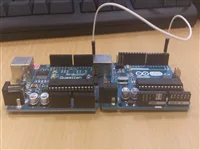
一方のマイコンで読み取った値をシリアル送信し、もう一方で受信して出力するプログラムを作成しました。
SerialAnalogSerial
I made program AnalogRead(ChipA) -> SerialWrite(ChipA) -> SerialRead(ChipB) -> AnalogWrite(ChipB). Git Code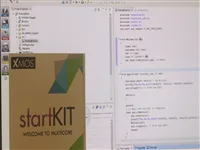
XMOSの開発キットで、XSCOPEを設定してアナログ入力を確認しました。通常のマイコンとの違いも記録しています。
Evaluate XMOS
I confirmed XMOS Start Kit can use AnalogRead (Need XSCOPE set). This start kit may not helpful because this chip is different from usual chip (chip's resource use writer)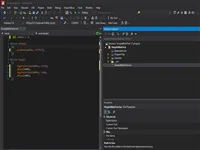
Atmel Studio 7.0を使い、ATtinyシリーズなどへの書き込み環境を確認した記録です。
AtmelStudio Now version (7.0) can write program to especially chip (e.g. Attiny Series) using only basic install.
Now version (7.0) can write program to especially chip (e.g. Attiny Series) using only basic install.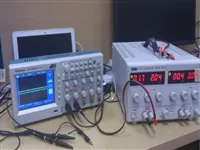
業務でデジタルオシロスコープと電源を使用した記録です。
Learn hardware analysis equipment
I used digital oscilloscope and power supply for work.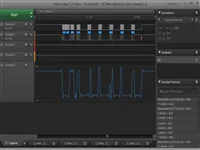
ATmega328同士の通信に使うSoftI2CMasterを、ロジックアナライザで確認しながら修正しました。
Fixed code of SoftI2C
I fixed SoftI2Cmaster Code for ATMega328 to ATMega328 using logic analyzer. Git Code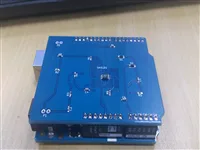
KiCadを使ってプリント基板を制作しました。
Making PCB
I made PCB with KiCad.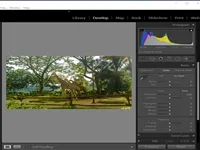
Lightroomを使い、写真の明るさなどを調整する方法を試しました。
Lightroom Lightroom is excellent photo processing. Especially easy to adjust the light .
Lightroom is excellent photo processing. Especially easy to adjust the light .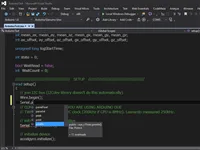
Visual StudioからArduinoのプログラムを編集・書き込みする開発環境を試しました。
Arduino IDE for Visual Studio
you can embed Arduino code with visual studio. You can header information. It's very useful.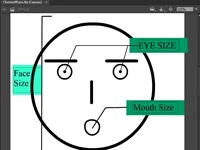
Adobe Animate CCで制作した、顔や矢印のアニメーションを掲載しています。
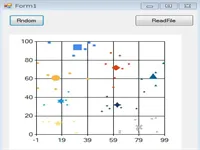
K-meansとX-meansを学び、2次元データを対象にした簡単な実装を作成しました。
K-means and X-means
I learn about K-menas and X-means, implement simple 2 dimension. How to Implement Source Code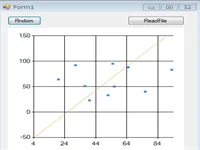
SVMを学び、2次元データを対象にした簡単な実装を作成しました。
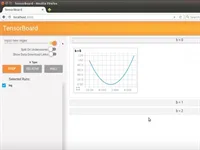
PyCharmを使い、TensorFlowの画面付きサンプルを作成した記録です。
PyCharm And Tensorflow
I made program that Tensorflow GUI sample with PyCharm. PyCharm is Excellent Editor ! Movie(Youtube)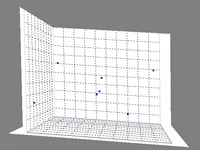
C#とOpenTKを使い、データを3D表示するための描画領域を作成しました。
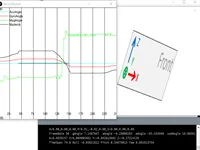
AdafruitのLSM9DS0を使い、Processingで姿勢を扱うプログラムを実装していた記録です。
Posture Recognition with Adafruit LSM9DS0
I am implementing a program of posture recognition in processing. Last Progress(Youtube)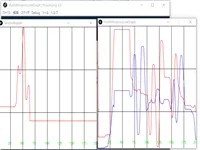
複数のウィンドウで折れ線グラフを表示するサンプルを作成し、公開しました。
Processing 3.0 MultiWindow LineChart Sample
Since the information was small it has published a sample in github. Run Result(Youtube)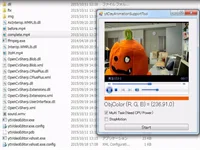
画像の特定の色を置き換えて背景を変更する、クレイアニメ向けの支援ツールを制作しました。
Clay Animation Support Tool
This soft replace the background of the specific color. Movie (Youtube)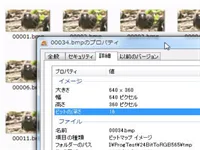
24ビット画像をRGB565形式に変換し、ファイルを結合するプログラムを作成しました。
24BitToRGB565
I made program that convert 24Bit Image to RGB565 and merge file. demo (Youtube)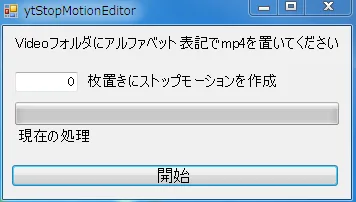
FFmpegを使い、動画ファイルからストップモーションを制作するツールを作成しました。
StopMotionEditor
I used ffmpeg and made stop motion from movie file. demo (Youtube)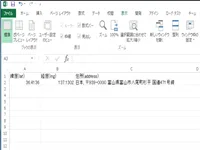
VBAとGoogleのAPIを使い、位置座標から地名などを取得する処理を試しました。
Excel Reserve Geoencoding
I used vba and Google API. demo (Youtube)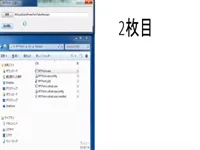
C#によるPowerPointアドインと音声SDKを使い、日本語を読み上げる機能を試作しました。
Power Point Speaker
I used C# (PowerPoint Add-IN) and Sound SDK. demo of japanese sound (Youtube)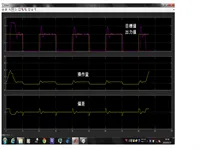
Arduinoを使ったタコメーターを制作し、SimulinkでPI制御を試しました。
PI Control with Simulink
I created tachometer with Arduino and controled voltage. Slide(Japanese)
CoreTweetを使ったTwitter操作を試し、スライドとサンプルコードを公開しました。
Controling Twitter with C#
CoreTweet is very easy to control twitter. Slide(Japanese) Sample Code (MIT)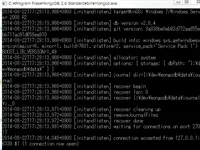
C#のクラスやLINQを使ってMongoDBを操作する方法を、資料とサンプルコードにまとめました。
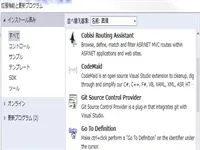
Visual Studioの開発に役立つ機能を、日本語のスライドで紹介しています。
C#の基本的なサンプルと演習課題を用意しました。
Visual StudioとC#を使い始めるための設定を、講義資料にまとめました。
Lecture Material 1 in Kanemoto Lab
I wrote setting visual studio and C#. Slide (Japanese)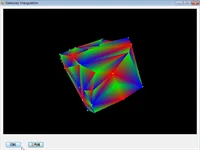
C#でドロネー三角形分割を実装しました。ランダムに配置した点を使った動作動画を掲載しています。
Delaunay triangulation
I implemented Delaunay triangulation with C#. Point is random in movie. movie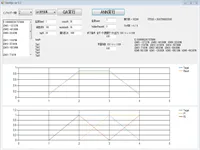
ニューラルネットワークでXORを扱うプログラムを作成し、動作動画を掲載しています。
Data analyzer with neural network
It solves xor problem in movie. movie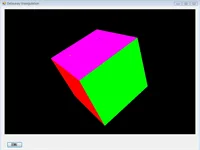
SharpGLを使い、C#でOpenGLの描画を試しました。
SharpGL
SharpGL is possible to use opengl in C#. movie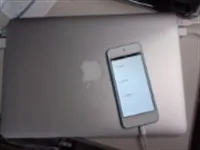
画像とTwitterを扱うiPhoneアプリを試作し、動作動画を掲載しています。
Learning IPhone app
I controlled image and twitter in movie. movie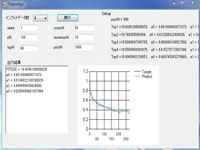
複数の入力データを扱う解析プログラムを、遺伝的アルゴリズムを題材に実装した記録です。
Data anlyzer with genetic algorithm
I implemented program that return most much data from multi input data. movie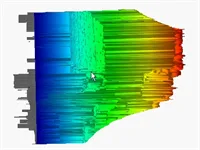
Xtionで取得した距離データを、WPF用の3Dグラフで表示しました。
3D Plot of distance
Xtion's distance data plotted with High performance WPF 3D Chart. movie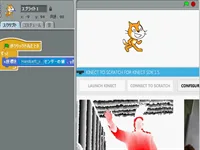
Kinectで読み取った右手の動きと、Scratchの画面表示を連動させました。
Kinect2Scratch
I implemented right hand moving and image synchronize. movie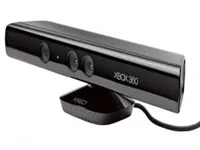
受講者が制作したプログラムを発表しました。Kinectを使う背景合成や、USBカメラの自動撮影の例を掲載しています。
Lecture Material 8 and 9 in Kanemoto Lab.
Learner announced program. Green back soft with kinect Auto capture soft with usb cam
ReSharperの使い方を、日本語のスライドにまとめました。
Slide(Japanese)
Use to ReSharper Slide(Japanese)
uCosminexus Stream Data PlatformとHiRDBを使い、データを出力・結合するプログラムを作成しました。
uCosminexus Stream Data Platform
I implemented program that output and merge data with uCosminexus Stream Data Platform and HiRDB. movie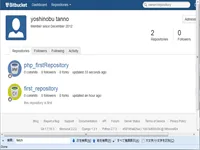
Git、Visual Studio、Bitbucketを組み合わせたバージョン管理について、日本語の資料を公開しました。
GIT + VisualStuido + bitbucket =
slide(japnese)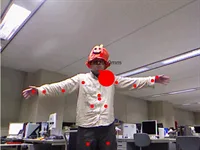
Kinectと関連アプリを紹介し、自由なアプリ制作を課題としました。
Lecture Material 7 in Kanemoto Lab 2012
I introduced Kinect and related app. slide(japnese) Subject is creating free app.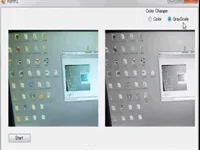
イベント処理、グレースケール化、ビットマップ変換などを紹介しました。
Lecture Material 4 in Kanemoto Lab 2012
I introduced event and grayscale and bitmap converter and so on. subject slide(japanese)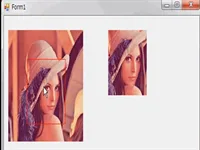
ビットマップ画像の操作とPictureBoxの使い方を紹介しました。
Lecture Material 3 in Kanemoto Lab 2012
I introduced bitmap controlling and picturebox. slide(japanese)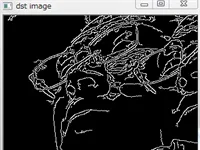
ファイルパスの指定、エッジ抽出、コンソールへの出力を紹介しました。
Lecture Material 2 in Kanemoto Lab 2012
I introduced setting file path and extracting edge and output console. slide(japanese)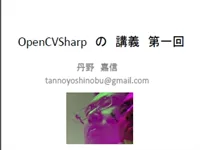
授業で使う開発ツールのインストール手順を紹介しました。
Lecture Material 1 in Kanemoto Lab 2012
I introduced how to install tool. slide(japanese)
ADO.NETでHiRDBを操作し、データ更新や棒グラフ・折れ線グラフの表示を試しました。
外部電源を使わずに放送を受信する鉱石ラジオを試しました。
Crystal radio
It is possible to listen radio without electronic.
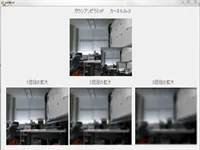
3×3のガウシアンカーネルで画像をぼかす処理を試しました。
Gaussian pyramid
I shade off image with 3x3 Gaussian kernel. reference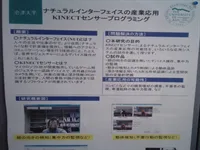
学園祭でKinectと3Dモデリングに関する展示を行いました。
Campus Festival
I announced Kinect and 3d modeling in Campus festival.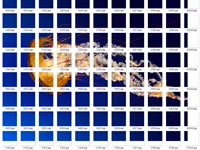
画像を一定の大きさに切り分けるプログラムを実装しました。
Map Image Cutter Project
I implemented program that image cut same length. movie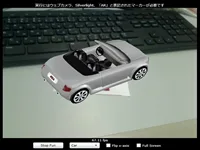
SLARToolKitを使い、AR表示ができる名刺を制作しました。
AR Name Card
I made ar name card with SLARToolKit. movie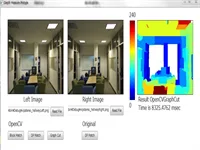
ステレオマッチングを使い、距離を取得するプログラムを実装しました。
Stereo Match Program
I implemented getting distance program. movie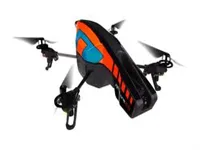
ARDrone-Control-.NETを使ってAR.Drone 2.0を操作し、動画を記録しました。
Ar Drone 2.0
I used ARDrone-Control-.NET and recoded movie. movie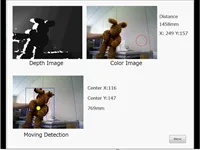
Xtionを使って動きを検出するプログラムを実装しました。
Moving Detection
I implemented moving detection with xtion. movie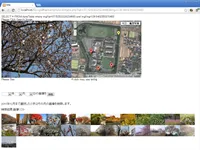
日付を指定して画像を検索する機能を作成しました。
Sharing Image (Search)
User can search image from date.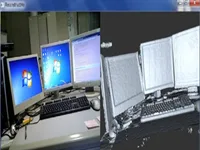
Kinectを使って3Dモデルを作るツール、ReconstructMeを試した記録です。
ReconstructMe
3d modeling tool with Kinect. (Need GPU)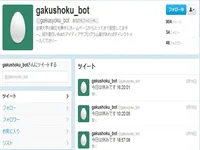
学食のメニューをTwitterへ投稿するプログラムを実装しました。
School cafeteria bot
I implemented program that send menu to twitter.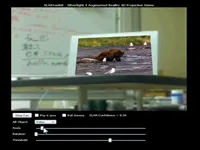
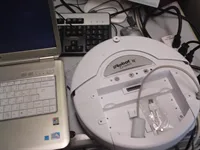
Rootoothを使ってルンバを操作しました。
Controlling rumba
I controlled rumba with Rootooth. movie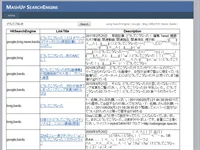
複数の検索結果を多数決で扱う検索プログラムを実装しました。
Mash up search engine
I implemented program that search engine deciding by majority.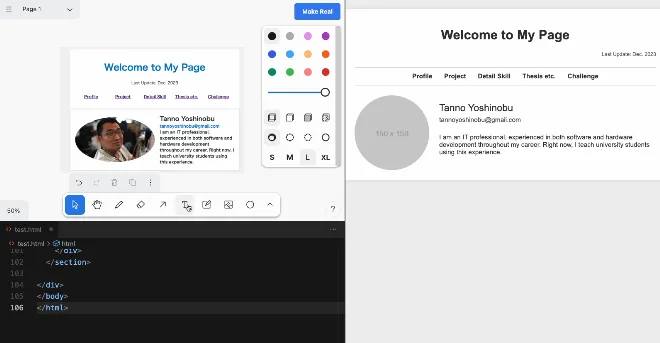
CursorにUI SketcherとHTML Previewを組み合わせ、スケッチや画像をもとにHTMLを編集する方法を試しました。
Next Generation of HTML Editor
Cursor + UI Sketcher(Cursor addin) + HTML Preview(Cursor addin). You can edit HTML with your sketch or image. Demo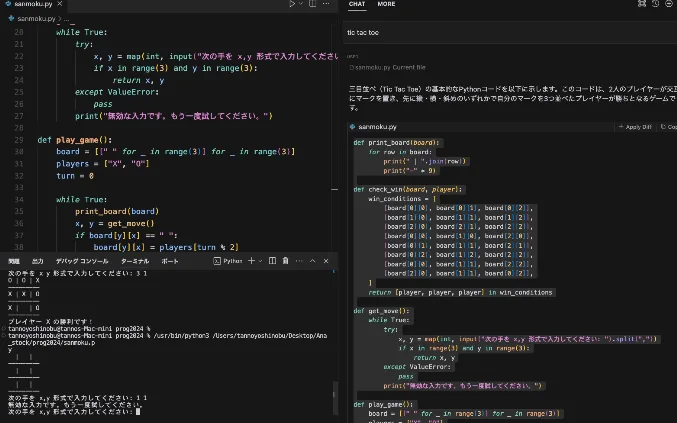
チャットでAIに指示しながらコードを編集する、Cursorの操作例を紹介しています。
AI Editor: Cursor
you can edit code with AI chat. Demo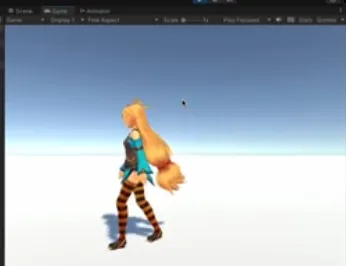
学生にプログラミングへの興味を持ってもらうため、Unityちゃんが歩くデモを制作しました。
Unity chan Walk the Unity World
I developed a Unity demo showcasing Unity-chan walking to captivate students' interest in programming. demo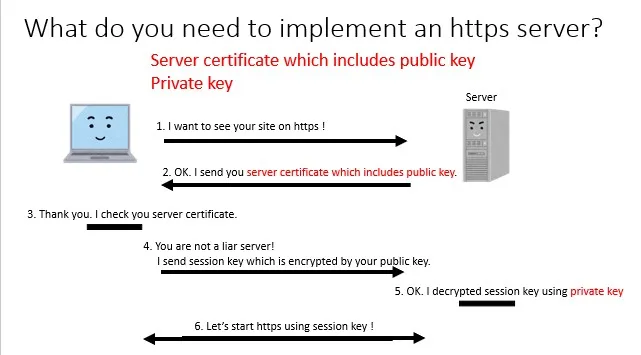
HTTPSでの通信の流れを説明した参考サイトと、サーバーの設定手順をまとめたスライドを紹介しています。
How to make https server
Useful site for understanding https data flow (Japanese) Link. I upload how to make https server SlideShare.
FPGAのLCMXO2-1200HC-4SG32Cに書き込む方法を、スライドにまとめました。
How to write code on MachXO2
I wrote how to write code on LCMXO2-1200HC-4SG32C. Slide Share
動作クロックと分周設定を確認するためのメモです。クロックが想定より遅い場合の確認点をまとめています。
ATMEGA328 Fuse Setting
we need to check crystal and div8 because default crystal setting is internal 8Mhz and enabled div8 occurs slow processing. Reference [Arduino Default Fuse Settings]
単体のATmega328Pを使う際に、Arduino Unoとのクロック設定の違いを確認するための資料をまとめました。
Tip of Atmega328p
Atmega328p is set as internal clock 8Mhz at default. For same condition as Arduino Uno (Outer 16Mhz), you need to set fuse or burn Arduino. Fuse Emulator Fuse Reference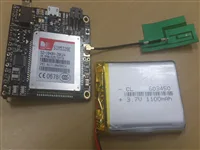
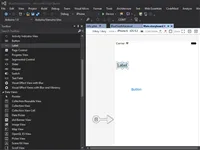
Xamarinを使ったiOSアプリ開発を試しました。環境ごとの更新確認と、BLE通信のサンプルを紹介しています。
Xamarin in VisualStudio
I make iOS program with Xamarin in VisualStudio. you should confirm update Xamarin each machine. Free Provisioning(useful url), My BLE Sample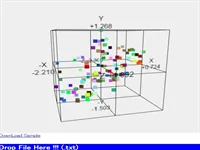
テキストファイルから読み込んだデータを、Three.jsで3D表示するプログラムを作成しました。
WebGL 3D Plot
I made 3D Plot program with Three.js and read data from txt file. Made Site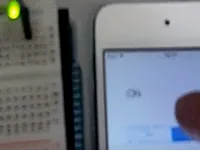
iPod touchからWi-Fi経由でデータを送信するプログラムを作成しました。
IOS Wifi Send Sample
I made program that Ipod Touch send data with WIFI. Movie(Youtube)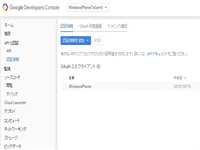
Gmail APIを.NETから利用するサンプルプログラムを作成しました。
Gmail API Sample
I made gmail api sample dotnet program because web's information is bad. Code (Git hub)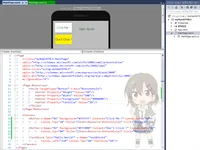
C#とXAMLを使うHTML5開発環境を試し、サンプルと解説資料を公開しました。
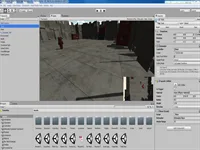
入門資料を参考にUnityを学び、制作したものの動作動画を掲載しています。
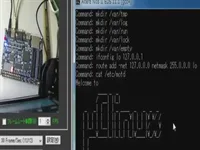
FPGAの学習記録として、uClinuxを動かした動画を掲載しています。
Learning FPGA
Embeded uClinux movie (Youtube)
WebBrowserクラスを使ったブラウザー操作を、スライドとサンプルコードにまとめました。
Browser Control with C#
I wrote use to WebBrowser Class (not Synchronize or asynchronous) . Slide(Japnese) Sample Code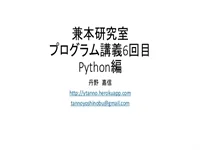
Pythonの環境設定とサンプルプログラムを、講義資料にまとめました。
Lecture Material 6 in Kanemoto Lab.
I wrote python setting and sample program. Slide (Japanese)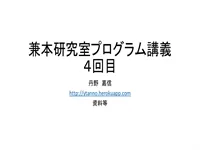
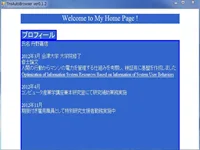
Webカメラの操作と色データの扱いを、講義資料と課題にまとめました。
C#で、ページを自動スクロールするWebブラウザーを実装しました。
Auto Scroll Browser
I implemented auto scroll web Browser in C#. movie
MacとWindowsを一組のマウス・キーボードで操作する方法を試しました。
synergy
Synager is possible to control mac and windows with a mouse and keyboard. movie
当時のWebサイトをHerokuへ移行した記録です。
Heroku
This site move heroku. It is easy to update web page. heroku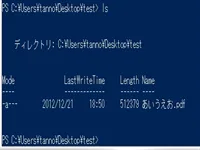
PowerShellでのコマンド操作などを、日本語のスライドで紹介しています。
Windows PowerShell
I introduced ls command with power shell and so on. slide(japanese)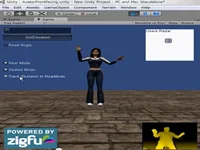
KinectとUnityを組み合わせ、アバターを動かす方法を試しました。
Kinect + Unity
Avatar can move with unity. movie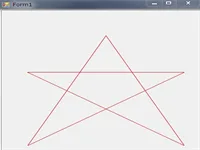
ファイルの入出力、線の描画、Webカメラの操作などを紹介しました。資料、課題、サンプルデータを掲載しています。
Lecture Material 5 in Kanemoto Lab 2012
I introduced file IO and drawing Line and webcam controlling and so on. subject slide(japanese) Sample.csv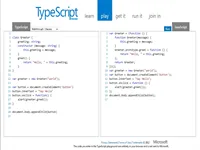
TypeScriptとJavaScriptの関係を学び、日本語の資料にまとめました。
TypeScript
Typescript is near JavaScript and able to convert JavaScript. slide(japanese)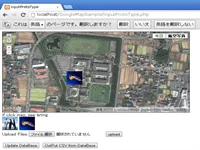
Web上で画像を共有する試作システムについて、入力側の資料を公開しました。
Sharing Image in web (Input)
slide(japanese)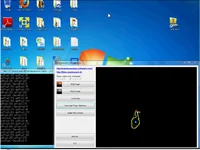
Candescent NUIを使い、指の動きとカーソルを連動させました。
Finger and cursor
I syncronize finger motion and cursor with Candescent NUI movie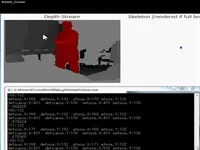
手の動きと画面上のカーソルを連動させました。
Hand and cursor
I synchronized hand and cursor. moviefor文を初期化・条件・更新に分け、順番に動きを追う方法を説明します。
printfの書式指定子と値の型の関係、scanfとの違いを説明します。
日本語AIチューターの試作版で実装した機能と、今後の課題を紹介します。
ArduinoとSimulinkを用いた大学教材の制作記録。目標値・測定値・操作量の違い、PI制御の波形を観察するポイント、モーター固定の経験を紹介します。
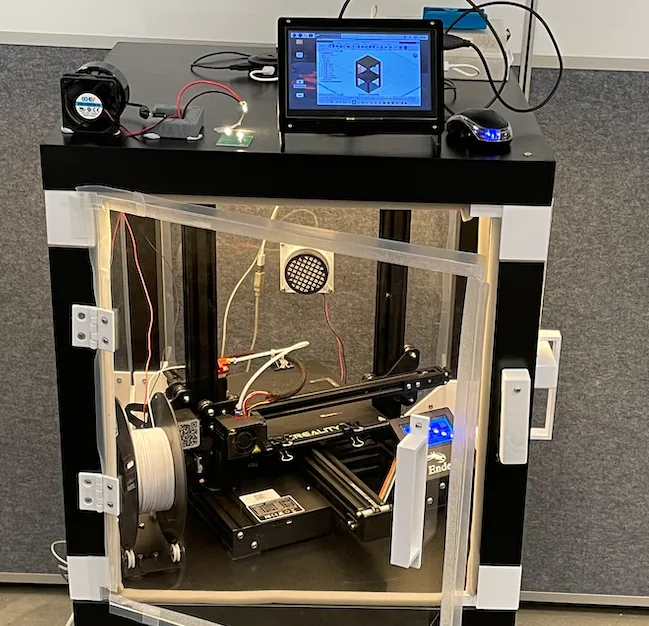
ものづくりの一例として、電子機器を収めるケースを制作しました。
Electronic Enclosure
I made electronic enclosure for showcasing application of engineering skill.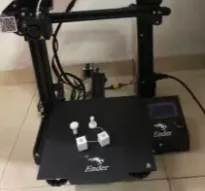
3DプリンタEnder 3 Proをセットアップし、初めて使う人向けに手順をまとめました。
How to set up 3D printer
I set up Ender 3 PRO and I wrote document. This document is useful for beginner of 3D printer.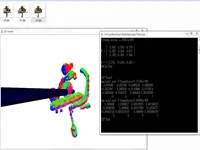
PCLを使ってKinectFusionの実装に取り組みました。完成前の進捗を動画で紹介しています。
KinectFusion Implementation 1
I implement KinectFusion with PCL (Point Cloud Library). Not Complete. Progress (Youtube)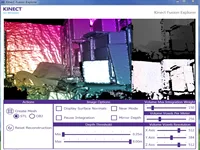
Kinect SDK 1.7で追加されたKinect Fusionについて確認した記録です。
Kinect SDK 1.7
Kinect SDK Version is up and possible to use Kinect fusion.